


Plan audience-focused presentations
Define the purpose, audience, key message and requested action before developing a slide sequence for an office or manufacturing topic.
This proposed course helps Malaysian office and manufacturing teams develop clearer PowerPoint presentations from approved information. Learners practise AI-assisted story planning, slide drafting, data explanation and presentation review for operations, QA/QC, procurement and management communication.
Proposed course outline; tools, dates, format, duration and fees must be confirmed with AIGreen Plus.

AI for PowerPoint Presentation Development is a proposed practical course for Malaysian office and manufacturing teams that want to use AI to plan, draft and refine reviewable presentation content. Learners practise turning approved information into clear slide structures for operations, QA/QC, procurement and management updates, while checking facts, protecting sensitive data and keeping final design, decisions and approvals with responsible people.
This is a proposed training outline, not a confirmed schedule or a promise of commercial results. Use fictional or approved examples and keep decisions with the responsible people.
Learning objectives describe practice, not guaranteed business results.
Define the purpose, audience, key message and requested action before developing a slide sequence for an office or manufacturing topic.
Write structured prompts that turn approved source material into slide outlines, concise text, speaker notes and review questions without adding unsupported claims.
Choose suitable visual treatments for fictional or approved figures, label units and sources, and distinguish trends, exceptions, assumptions and decisions.
Use human checks for accuracy, confidentiality, accessibility, version control and approval before an AI-assisted presentation is shared or used in a meeting.
Prompt → Check → Revise → Review
Use AI to support suitable tasks. Manufacturing, quality, safety and business decisions remain with the people responsible.
Course visuals are AI-created fictional scenes; people and facilities do not depict actual AIGreen Plus staff, learners or client events.
A team uses fictional or sanitised production notes and approved KPI definitions to ask AI for a slide outline, concise headlines and review questions. Operations leaders verify figures, context and actions before approving the deck for a meeting.
QA/QC and warehouse staff structure a mock inspection or stock-discrepancy record into a neutral briefing with evidence, open questions and next steps. AI assists the draft only; inspection, release, inventory and corrective-action decisions remain with authorised people.
A procurement coordinator develops a fictional supplier-delay presentation with source-labelled facts, options and an approval request. The team checks commercial sensitivity, quantities, dates and assumptions, then obtains the relevant owner's approval before circulation.
Examples are fictional or sanitised proposals, not AIGreen Plus client case studies or verified results.
This describes AIGreen Plus's proposed course approach, not an independent competitor comparison or a claim that other providers lack similar methods. Confirm the syllabus, tools, delivery details and availability with AIGreen Plus before planning delivery.
| Potential point of difference | AIGreen Plus's approach | Why it may matter to a factory |
|---|---|---|
| Presentation development from workplace sources | The proposed learning path starts with approved information, audience needs and a storyline before AI-assisted slide drafting. | Teams can practise turning familiar operations, QA/QC, warehouse and procurement material into reviewable presentations. |
| Manufacturing-aware examples | Exercises use fictional or sanitised factory and office scenarios rather than generic presentation topics alone. | Participants can discuss real role pressures while keeping confidential records, customer data and proprietary content out of practice. |
| Visual clarity with evidence checks | The proposed approach links slide hierarchy and data storytelling to source labels, units, assumptions and human verification. | Presenters can make updates easier to review without turning AI-generated wording or visuals into unapproved conclusions. |
| Approval-aware adoption | The course includes reviewer roles, version control, confidentiality checks and a small pilot-planning exercise rather than unattended automation. | Organisations can discuss a controlled starting point with process owners, IT and management, subject to their own policies and approvals. |
On small screens, scroll horizontally inside the table to compare all three columns.
Eight proposed modules are shown in a structured table for easy review. Confirm the final syllabus, depth, tools, duration and delivery format with AIGreen Plus.
On small screens, scroll horizontally inside the course outline table to see every column.
| Module | Focus | Key points | Practice exercise |
|---|---|---|---|
| 01Presentation Goals, Audiences and Storylines | Define what a presentation must help its audience understand, decide or do before asking AI to assist. |
| Using a fictional monthly plant-review brief, write the audience, key message and desired action, then sketch a six-slide storyline for manager approval. |
| 02Source Preparation and Prompt Design | Convert approved or sanitised information into clear prompts for presentation planning and drafting. |
| Turn fictional operations notes into a prompt for an eight-slide outline, then compare the AI draft with the notes and mark every unsupported detail. |
| 03Slide Architecture and Narrative Flow | Build a coherent deck that moves from context through evidence to implications and next steps. |
| Create a storyboard for a fictional procurement-delay update, arranging source facts, risks, options and an approval request into a reviewable slide order. |
| 04Concise Slide Copy and Speaker Notes | Draft readable slide text, captions and notes that preserve the meaning of workplace source material. |
| Rewrite a sanitised QA/QC update into a headline, three supporting points and speaker notes, then have a process owner check the wording against the source. |
| 05Data Storytelling and Visual Choices | Explain approved figures with suitable charts, tables or callouts without fabricating values or implying unsupported conclusions. |
| Use fictional production and inventory figures to propose two visual options, select one for a management slide and verify every number against the supplied table. |
| 06Design Consistency and Accessibility Checks | Improve hierarchy and readability while working within approved presentation templates, software access and organisational standards. |
| Audit a fictional operations deck for hierarchy, contrast, labels and crowded content, then produce a prioritised revision list rather than changing controlled branding without approval. |
| 07Accuracy, Confidentiality and Presenter Readiness | Red-team an AI-assisted deck before circulation and prepare a presenter to explain evidence, limits and open questions. |
| Review a fictional warehouse-exception presentation, flag invented claims and sensitive fields, and create a final-check list for the responsible presenter. |
| 08Versioned Workflow and Responsible Pilot Planning | Create a repeatable path from brief to approved presentation while testing a low-risk use case without promising business results. |
| Draft a pilot brief for a fictional monthly operations review, covering scope, safeguards, handoffs, approval points and questions for evaluating usefulness. |
It is a proposed course on using AI to plan, draft and review presentation content in PowerPoint or another organisation-approved tool. It covers storyline, slide copy, data explanation, visual clarity and human approval rather than unattended presentation creation.
Participants practise audience definition, prompt writing, slide sequencing, concise headlines, speaker notes, visual choices, accessibility checks and final review using fictional or sanitised workplace scenarios.
AI may help develop an outline or draft content, subject to the approved tool and organisational access. Every slide still needs human checking for facts, context, confidentiality, design, version control and approval before use.
Yes, the proposed examples are framed around operations reviews, production updates, QA/QC observations, warehouse exceptions, procurement and management communication. Final localisation and scope should be confirmed with AIGreen Plus.
It teaches learners to select and review suitable visual treatments for approved figures, including comparisons, trends and exceptions. Participants verify values, units, periods and source labels rather than accepting an AI suggestion automatically.
No specific plan or feature is promised in this draft. Confirm current PowerPoint access, any AI add-ons, account requirements, organisational approval and suitable alternatives with AIGreen Plus and the relevant IT owner.
Do not place personal, customer, supplier, pricing, production, proprietary or otherwise restricted information into an AI tool unless the organisation has explicitly approved that use. Use fictional or sanitised material for practice and follow local policy.
No. AI can assist with a reviewable presentation draft, but authorised people retain inspection, release, commercial, safety, operational and management decisions. Verify every statement against approved records before sharing or acting.
Bring basic presentation and document familiarity, a suitable topic or sanitised source example, and an understanding of who owns the relevant facts and approvals. Confirm any AI account or presentation-tool access with your organisation.
Contact AIGreen Plus with the participant roles, presentation needs and preferred use case. Syllabus, tools, delivery format, language, availability and any commercial details are proposed and should be confirmed directly before planning.
How can a Malaysian team use AI to develop a reviewable PowerPoint presentation from approved workplace information?
AI for PowerPoint Presentation Development is a proposed practical course for Malaysian office and manufacturing teams. It shows learners how to plan, draft and review presentations from approved or sanitised information for operations, QA/QC, procurement and management updates, while responsible people retain control of facts, confidentiality, design, decisions and approval.
A practical course proposal. Select approved tools and sample data under your organisation's policy; keep operational, safety, quality and other authorised decisions with the responsible people.

Choose a low-risk deck to practise planning and approvals.

Establish source, confidentiality, access and human-approval boundaries for slides.

Build a repeatable drafting method using approved evidence.
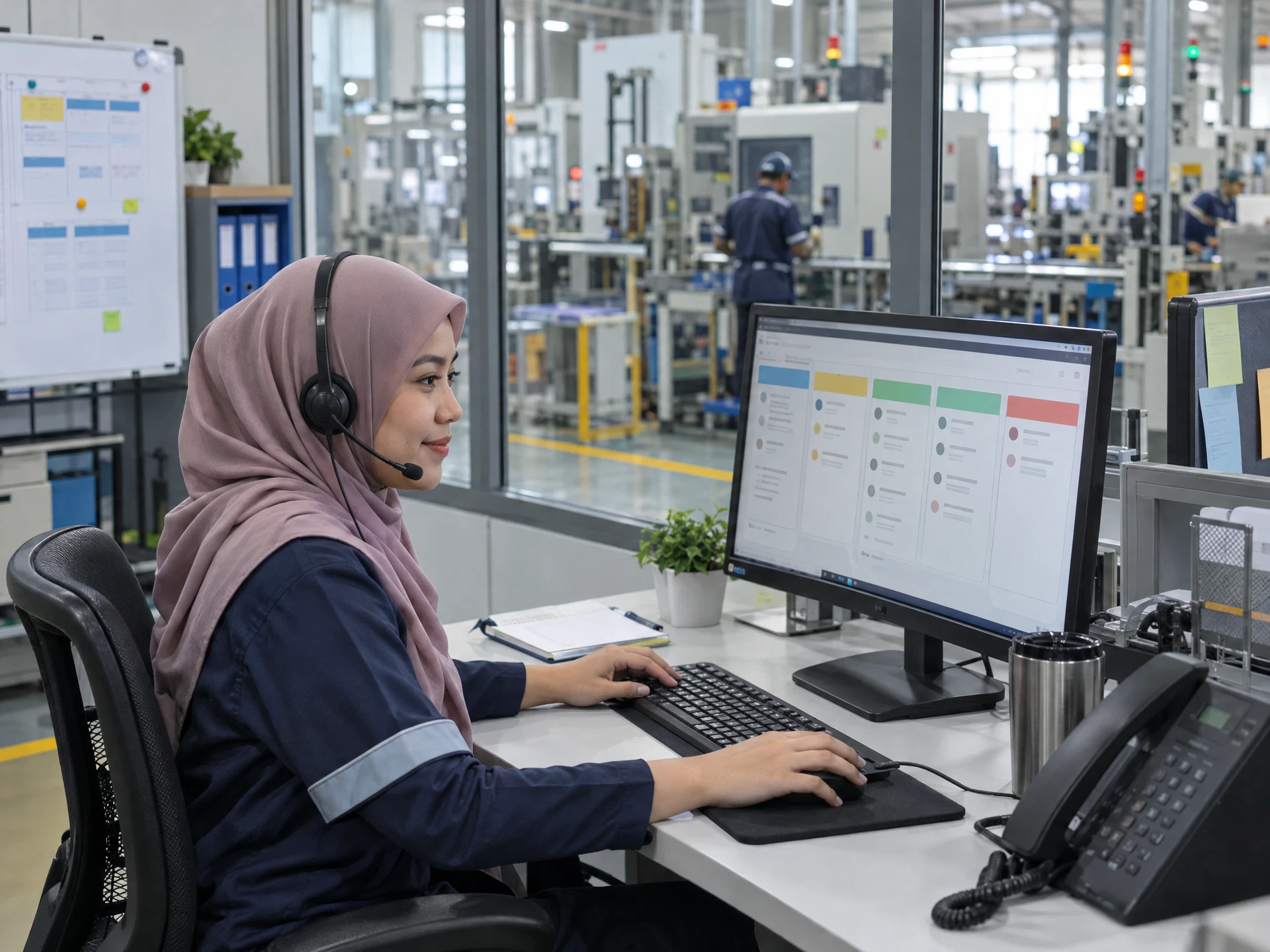
Verify facts, visuals, confidentiality and explainability through human review.

Compare a bounded pilot against baseline and decide continuation.
Use the materials with a competent workplace owner and the appropriate approvals.
The five-stage flow uses AI-created fictional scenes; the people, equipment, interfaces and facilities are not actual AIGreen Plus staff, learners, clients or factories. Course images are category-specific examples. Pending assets are labelled in progress; unavailable artwork is suppressed rather than replaced with unrelated imagery.
Share the course title, participant roles and learning priorities. AIGreen Plus will confirm syllabus, tools, availability, delivery language, format and quotation.
Do not send confidential production data, account details or personal information in an enquiry.
