


Frame better spreadsheet tasks
Describe the business question, source data, expected output and validation rules so an AI-assisted Excel task is easier to review and reproduce.
Learn a proposed, practical approach to AI-assisted Microsoft Excel data analysis for Malaysian office and manufacturing teams. Use fictional or sanitised operational data to structure sheets, explore trends, improve reporting and apply human verification before decisions are made.
Proposed course outline; tools, dates, format, duration and fees must be confirmed with AIGreen Plus.

AI Excel training Malaysia can help office and manufacturing teams use AI-assisted spreadsheet workflows for cleaning, formulas, summaries, charts and decision-ready reports. This proposed course emphasises clear instructions, traceable calculations, privacy controls and human approval, using fictional or sanitised examples from operations, QA/QC, warehouse, procurement and sustainability reporting.
This is a proposed training outline, not a confirmed schedule or a promise of commercial results. Use fictional or approved examples and keep decisions with the responsible people.
Learning objectives describe practice, not guaranteed business results.
Describe the business question, source data, expected output and validation rules so an AI-assisted Excel task is easier to review and reproduce.
Organise fictional or sanitised operational tables, identify missing or inconsistent values and use suitable formulas, summaries and comparisons with human checks.
Turn reviewed tables into concise charts, exception lists and role-appropriate reports for operations, QA/QC, warehouse, procurement or office meetings.
Document assumptions, protect sensitive information, test outputs and route conclusions to authorised owners rather than treating AI-generated analysis as final business judgment.
Prompt → Check → Revise → Review
Use AI to support suitable tasks. Manufacturing, quality, safety and business decisions remain with the people responsible.
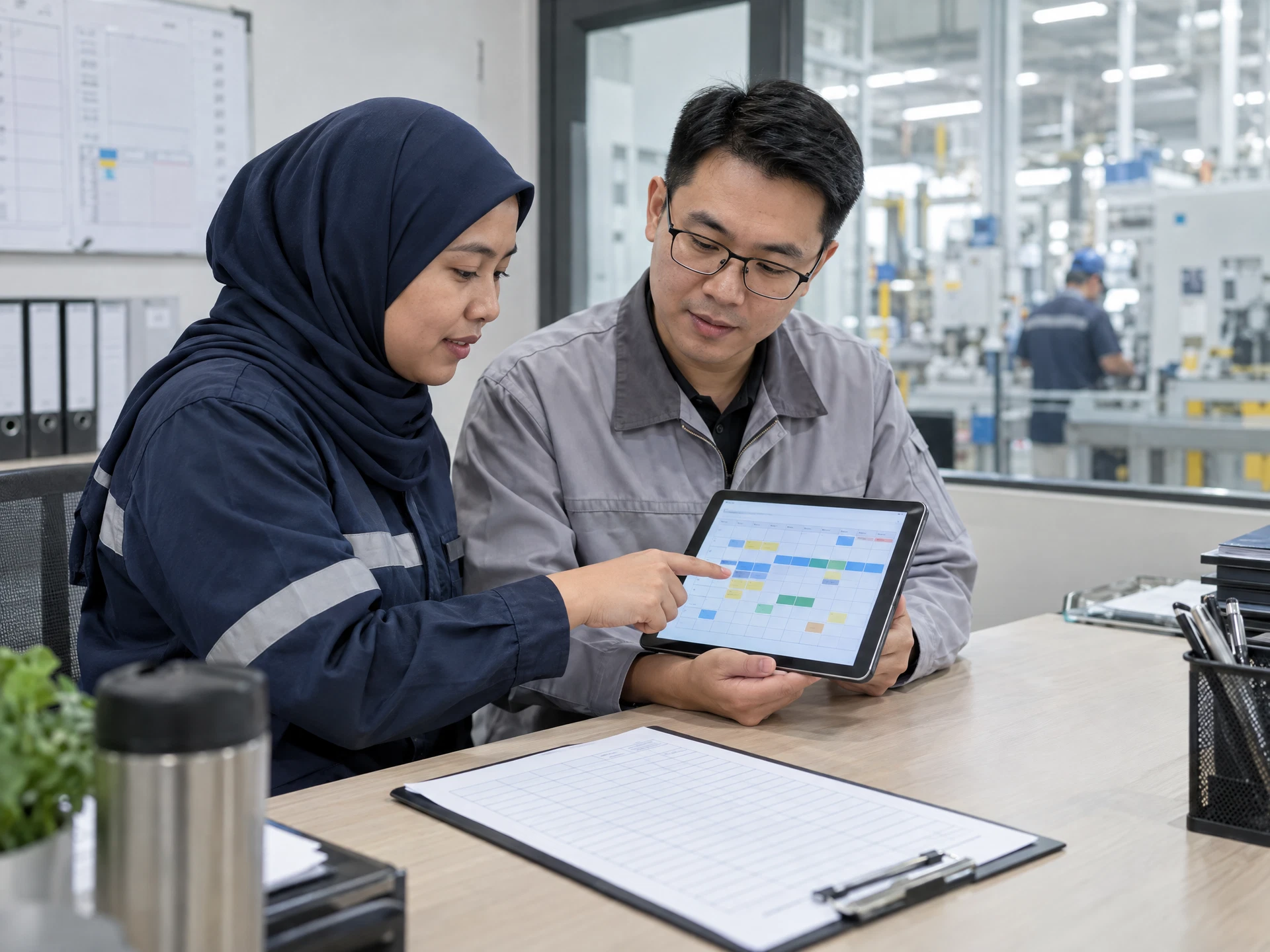
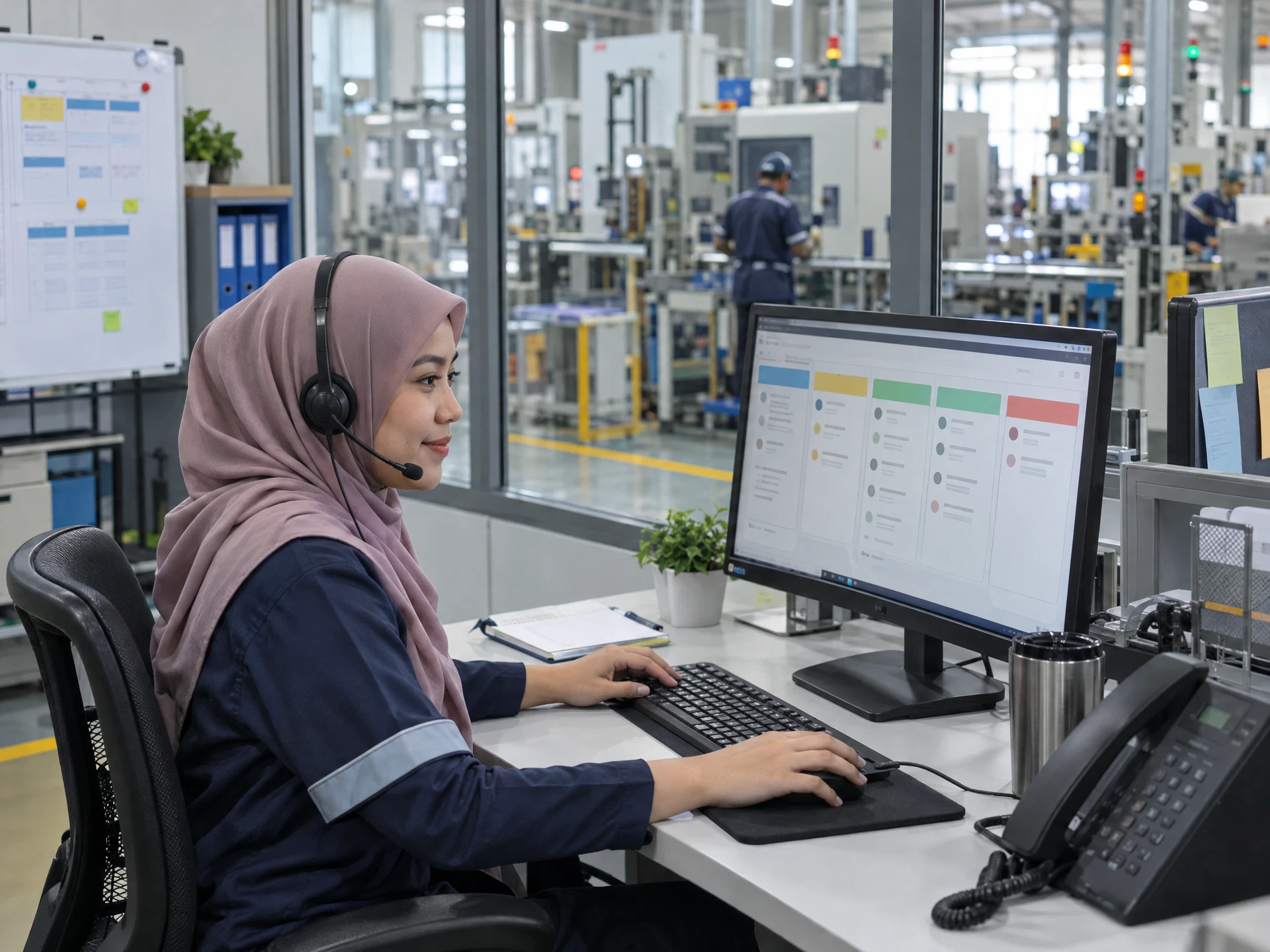
Course visuals are AI-created fictional scenes; people and facilities do not depict actual AIGreen Plus staff, learners or client events.
A planning team uses a sanitised production log to calculate reviewed variance fields, identify downtime patterns and prepare a concise supervisor summary. AI-assisted suggestions remain drafts; production and maintenance owners verify causes and actions.
A mock inspection and receiving dataset is used to standardise labels, flag missing evidence and build an exception list. The workbook supports follow-up only; authorised personnel retain inspection, release, traceability and inventory decisions.
A fictional supplier-spend and activity table is organised into a reviewable monthly-style summary for procurement or sustainability discussion. Definitions, boundaries and source records are checked by the responsible owner, and AI does not certify ESG, GHG or compliance claims.
Examples are fictional or sanitised proposals, not AIGreen Plus client case studies or verified results.
These points describe AIGreen Plus's proposed course approach, not an independent competitor comparison or a claim that other providers do not offer similar content. Confirm the final syllabus, tools, delivery scope and availability with AIGreen Plus.
| Potential point of difference | AIGreen Plus's approach | Why it may matter to a factory |
|---|---|---|
| Excel work tied to real team questions | The proposed exercises connect spreadsheet analysis to operations, QA/QC, warehouse, procurement and office reporting scenarios. | Learners can practise translating familiar business questions into reviewable tables, calculations and summaries. |
| Verification built into each workflow | Each exercise asks participants to reconcile formulas, labels, totals or interpretations with fictional or sanitised source records. | Teams learn to treat AI assistance as a draft and maintain traceability before a report is shared. |
| Role-aware reporting | The proposed course distinguishes the needs of supervisors, QA/QC reviewers, warehouse users, procurement staff and office teams. | The same dataset can be presented at an appropriate level without removing ownership of operational or regulated decisions. |
| Responsible adoption planning | The outline includes privacy boundaries, access approval, reviewer roles and a low-risk pilot rather than promises of savings or business results. | Managers have a practical starting point for discussing governance and next steps with AIGreen Plus. |
On small screens, scroll horizontally inside the table to compare all three columns.
Eight proposed modules are shown in a structured table for easy review. Confirm the final syllabus, depth, tools, duration and delivery format with AIGreen Plus.
On small screens, scroll horizontally inside the course outline table to see every column.
| Module | Focus | Key points | Practice exercise |
|---|---|---|---|
| 01Excel AI foundations and responsible use | Understand where AI-assisted spreadsheet work can support analysis and where source control, privacy and human judgement remain essential. |
| Review a fictional production and inventory table, mark sensitive fields and questionable values, then write a safe analysis brief for an authorised reviewer. |
| 02Task framing and prompts for Excel work | Translate a business question into precise instructions for an AI-assisted spreadsheet task with a defined audience, format and checking method. |
| Convert a vague request about late orders into a structured task brief that asks for a reviewable table, exception rules and questions for the planning team. |
| 03Data cleaning and table preparation | Prepare consistent, reviewable tables before analysis so labels, units, dates and identifiers do not distort the result. |
| Clean a sanitised warehouse-receiving table with inconsistent supplier names and units, log each change and have a partner reconcile the result to the source. |
| 04Formulas, lookups and calculation checks | Use AI assistance to draft or explain formulas while validating references, error handling and business definitions in Excel. |
| Ask for a formula to classify fictional QA/QC observations, test it against hand-checked cases and document any condition the formula cannot determine. |
| 05Trend, variance and operational analysis | Explore patterns and variances in reviewed data without confusing correlation, incomplete records or generated explanations with verified causes. |
| Analyse a fictional production-yield and downtime table, create a variance list and write neutral follow-up questions for production and maintenance owners. |
| 06Charts, pivots and decision-ready summaries | Present reviewed analysis in clear tables and visual summaries suited to Malaysian business-team meetings and operational reviews. |
| Create a mock warehouse and procurement review page with two charts and an exception table, then check labels, filters and source totals before circulation. |
| 07Role-based reporting for office and manufacturing teams | Adapt a verified workbook into useful outputs for operations, QA/QC, procurement, warehouse, finance or sustainability support roles. |
| Use one sanitised dataset to prepare separate draft views for an operations supervisor, QA/QC reviewer and procurement coordinator, noting what each view must not conclude. |
| 08Governance, review and an Excel pilot plan | Create a small, controlled adoption plan for AI-assisted Excel analysis with clear owners, approval points and evaluation questions. |
| Draft a pilot brief for a recurring fictional KPI report, including data boundaries, reviewer sign-off, escalation triggers and questions for AIGreen Plus to confirm. |
It is a proposed practical course for Malaysian teams using AI-assisted Excel workflows to organise data, draft formulas, explore trends and prepare reviewed reports. Final syllabus, tools and availability should be confirmed with AIGreen Plus.
Operations, production planning, QA/QC, warehouse, procurement, finance, sustainability support, administrators and managers who work with recurring spreadsheet reports are suitable audiences.
No advanced knowledge is assumed, but basic familiarity with tables, filters and simple formulas is useful. The proposed activities build from task framing and data preparation toward analysis and reporting.
The outline focuses on transferable analysis, prompting, checking and reporting practices rather than promising a particular plan feature or account integration. Verify current Microsoft access, features and organisational approval with AIGreen Plus and your IT owner.
Practice should use fictional or sanitised information unless the organisation explicitly approves a controlled use of live data. Do not upload confidential, personal, customer or proprietary records without permission and applicable safeguards.
Learners test formulas against known cases, reconcile totals to source records, check labels and review chart filters. AI-generated formulas, summaries and visuals are drafts until a responsible person approves them.
Yes. Proposed examples include production variance, downtime, inspection follow-up, receiving discrepancies and stock-related reporting. AI supports documentation and analysis only; authorised people retain quality, safety, release and inventory decisions.
It can support organisation, calculation checking and draft summaries using defined fictional examples. It does not establish compliance or certify ESG or GHG claims; use current official sources and obtain review from the authorised sustainability or compliance owner.
They are not specified in this proposed record. Confirm duration, fees, delivery format, any certificate and any HRD Corp eligibility directly with AIGreen Plus before planning participation or claims.
Contact AIGreen Plus with the course title, participant roles, reporting priorities and approved tool environment, without sending confidential factory data. Ask AIGreen Plus to confirm scope, tools, availability, safeguards and commercial details.
How can a Malaysian office or manufacturing team pilot the AI-assisted Excel methods in this course for a production-downtime review while retaining human control?
Start with a fictional or sanitised production log, define the business question, fields, units, audience and validation rules, then use an AI-assisted Excel workflow only to draft cleaning steps, formulas, variance views and summaries. A competent production, maintenance or data owner must check calculations, causes, privacy and approvals before a limited pilot.
A practical course proposal. Select approved tools and sample data under your organisation's policy; keep operational, safety, quality and other authorised decisions with the responsible people.

Choose bounded Excel work that supports human analysis.
Define data, privacy boundaries and human approvals upfront.

Build traceable Excel calculations and views for review.
Verify calculations, trends and visuals before reporting.

Pilot controlled use, assess review quality and decide.
Use the materials with a competent workplace owner and the appropriate approvals.
The five-stage flow uses AI-created fictional scenes; the people, equipment, interfaces and facilities are not actual AIGreen Plus staff, learners, clients or factories. Course images are category-specific examples. Pending assets are labelled in progress; unavailable artwork is suppressed rather than replaced with unrelated imagery.
Share the course title, participant roles and learning priorities. AIGreen Plus will confirm syllabus, tools, availability, delivery language, format and quotation.
Do not send confidential production data, account details or personal information in an enquiry.
