

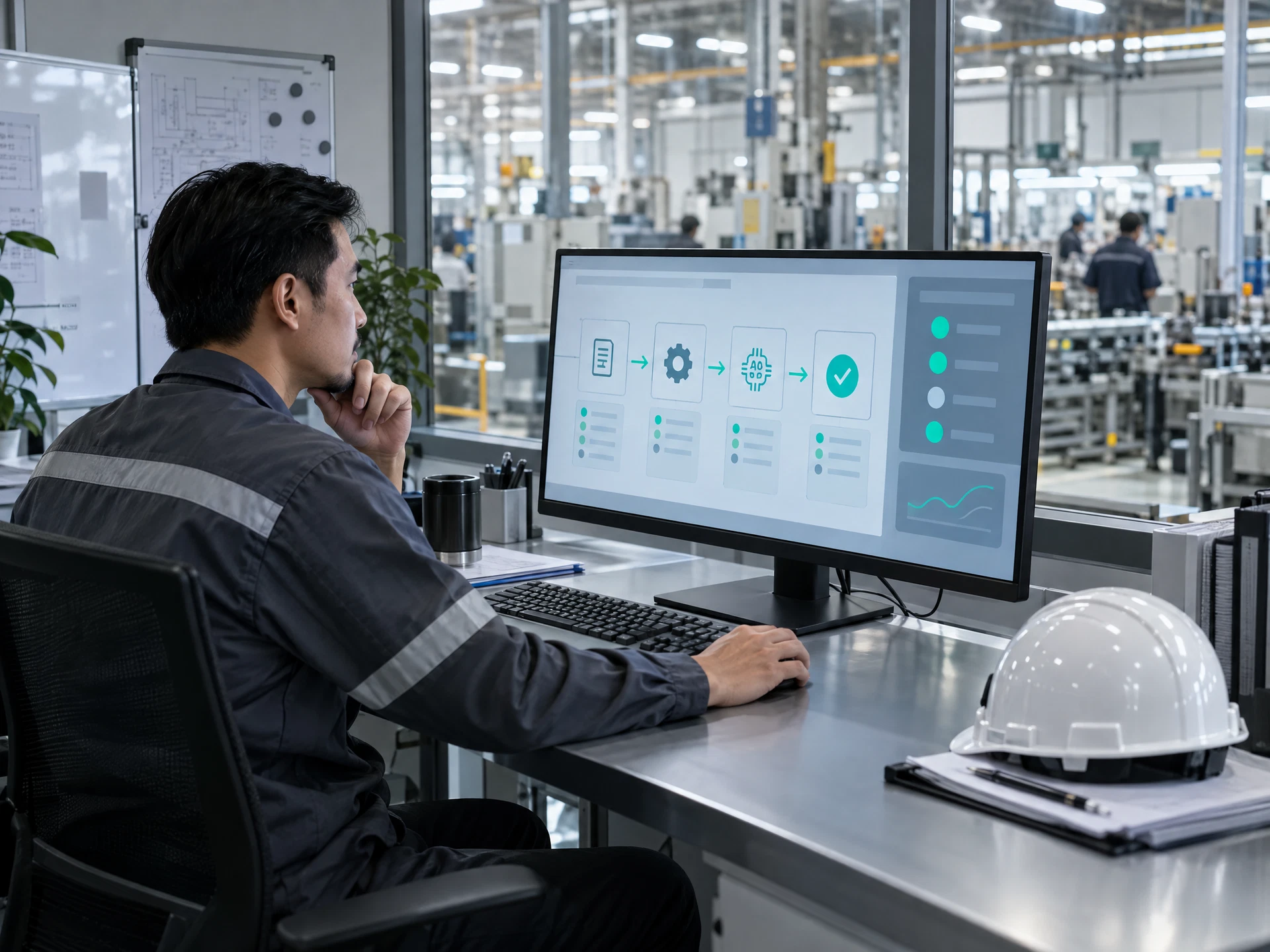
Identify suitable workflow candidates
Map repeatable manufacturing and office processes, separate rules from exceptions and select low-risk tasks for a proposed automation pilot.
This proposed Microsoft Power Automate and AI course helps Malaysian manufacturing and business teams map repeatable work, design reviewable workflows and assess AI-assisted steps without removing human accountability. Exercises use fictional or sanitised operations, QA/QC, warehouse, procurement and office examples; syllabus, tools and availability should be confirmed with AIGreen Plus.
Proposed course outline; tools, dates, format, duration and fees must be confirmed with AIGreen Plus.
Microsoft Power Automate and AI is a proposed practical course for Malaysian teams that want to understand workflow automation, approval routes, structured data handling and carefully bounded AI assistance. Participants practise designing flows for operations, QA/QC, warehouse and procurement scenarios, then test exceptions, protect sensitive information and obtain human approval. Current vendor access, licensing and organisational permissions must be verified before delivery.
This is a proposed training outline, not a confirmed schedule or a promise of commercial results. Use fictional or approved examples and keep decisions with the responsible people.
Learning objectives describe practice, not guaranteed business results.
Map repeatable manufacturing and office processes, separate rules from exceptions and select low-risk tasks for a proposed automation pilot.
Translate a process into triggers, actions, conditions, approvals, exception paths and ownership notes without assuming a particular plan, connector or account setup.
Frame proposed AI steps for classification, extraction or summarisation with clear source boundaries, review criteria and escalation to authorised people.
Create a practical test matrix, access and data-handling checks, maintenance notes and pilot measures while keeping quality, safety and operational decisions with responsible owners.
Prompt → Check → Revise → Review
Use AI to support suitable tasks. Manufacturing, quality, safety and business decisions remain with the people responsible.
Course visuals are AI-created fictional scenes; people and facilities do not depict actual AIGreen Plus staff, learners or client events.
A team uses fictional inspection observations to design a proposed flow that structures issue categories, missing evidence and follow-up requests. AI may assist with documentation or analysis only where approved; it does not make defect, release or compliance decisions, which remain with authorised quality personnel.
Warehouse staff map a sanitised receiving discrepancy into status updates, ownership and escalation steps. A proposed automation can be reviewed against mock quantities and locations, while source records, inventory controls and any available system access are verified by the organisation.
A procurement and administration team designs a reviewable request route that organises supplier information, flags missing fields and prepares a human approval brief. The example uses fictional data and does not assume a current connector, licence, account or payment capability.
Examples are fictional or sanitised proposals, not AIGreen Plus client case studies or verified results.
This describes AIGreen Plus's proposed course approach, not an independent competitor comparison and not a claim that other providers lack similar content. Confirm the final syllabus, tools, account access, delivery arrangements and availability with AIGreen Plus.
| Potential point of difference | AIGreen Plus's approach | Why it may matter to a factory |
|---|---|---|
| Manufacturing workflow context | The proposed exercises centre on Malaysian operations, QA/QC, warehouse, procurement and office handoffs rather than abstract automation alone. | Participants can discuss a real process in role language while practising only with fictional or sanitised information. |
| AI bounded by review gates | AI is presented as optional documentation or analysis support with source checks, uncertainty handling and human approval points. | Teams can explore assistance without delegating quality, safety, compliance or operational judgement to a generated output. |
| Design before deployment assumptions | The proposed learning sequence starts with process mapping, ownership, exceptions and data boundaries before discussing a Power Automate flow. | Process owners can identify what must be confirmed about current vendor access, licensing, connectors and organisational permissions. |
| Practical testing and adoption plan | Exercises end with test cases, maintenance ownership, pilot safeguards and questions for confirmation rather than promises of savings or results. | Managers receive a reviewable starting point for responsible adoption and can decide whether a proposed workflow is suitable. |
On small screens, scroll horizontally inside the table to compare all three columns.
Eight proposed modules are shown in a structured table for easy review. Confirm the final syllabus, depth, tools, duration and delivery format with AIGreen Plus.
On small screens, scroll horizontally inside the course outline table to see every column.
| Module | Focus | Key points | Practice exercise |
|---|---|---|---|
| 01Power Automate and AI foundations | Understand workflow automation concepts, Power Automate terminology and the appropriate role of AI in a Malaysian workplace. |
| Map a fictional production handover from request to review, label each step as rule-based or judgement-based, and mark where an authorised person must approve. |
| 02Process discovery and automation selection | Find repeatable work in operations, QA/QC, warehouse, procurement and administration before proposing any flow. |
| Use a sanitised purchasing-request scenario to create a current-state map, list failure points and score two candidate automations for scope and risk. |
| 03Workflow logic, conditions and exceptions | Turn an approved process map into readable Power Automate flow logic without treating a draft design as a deployed solution. |
| Design a paper-based flow for a fictional QA/QC observation, including normal, incomplete-record and escalation paths, then walk it through with a peer reviewer. |
| 04AI-assisted document and text workflows | Assess proposed AI assistance for classification, extraction or summarisation while keeping source evidence and review limits visible. |
| Work with fictional supplier emails and inspection notes to draft an AI-assisted categorisation step, identify unsupported interpretations and specify the reviewer decision. |
| 05Data protection, permissions and records | Prepare safe data boundaries for proposed Power Automate and AI workflows used by Malaysian business teams. |
| Review a mock warehouse discrepancy dataset, remove unnecessary identifiers, assign proposed access roles and list checks before any approved environment is used. |
| 06Approvals, escalation and human-in-the-loop control | Design review gates so automation supports coordination while authorised people retain procurement, quality, safety and operational judgement. |
| Create a fictional procurement approval route with missing-quotation and urgent-request exceptions, then assign human owners and an escalation note for each branch. |
| 07Testing, monitoring and workflow maintenance | Evaluate a proposed flow against normal cases, bad inputs and changing business rules before wider use. |
| Run a tabletop test matrix for a fictional stock-exception workflow, log mismatches and propose a controlled change when a location or quantity is missing. |
| 08Pilot planning and responsible adoption | Turn the learning into a small, reviewable automation proposal with confirmed vendor, account and organisational requirements. |
| Draft a one-page pilot brief for an office-to-warehouse status workflow, including safeguards, test evidence, review cadence and questions for AIGreen Plus. |
It is a proposed learning option for Malaysian teams that want to map repeatable work, design Power Automate workflow logic and assess bounded AI assistance with human review. Final scope and availability should be confirmed with AIGreen Plus.
The outline covers process discovery, triggers and actions, conditions, exceptions, document and text assistance, data boundaries, approvals, testing, maintenance and pilot planning. It does not assume a particular licence, connector or account.
Yes, the proposed examples use operations handovers, QA/QC observations, warehouse discrepancies, procurement requests and office coordination. Scenarios are fictional or sanitised and should be adapted with the organisation's process owners.
No account, licence or current vendor feature access is promised in this record. Confirm the organisation's approved environment, plan, connectors, permissions and any hands-on arrangements with AIGreen Plus and Microsoft documentation.
AI is treated as a possible support step for bounded classification, extraction or summarisation where approved and available. Participants compare outputs with source records and escalate uncertain results; AI does not make final business or quality decisions.
No. For QA/QC, safety, ISO, HACCP, FSSC, ESG or other compliance-related work, AI is documentation or analysis support only. Use current official sources and authorised owners; inspection, release, safety and compliance judgement remains with qualified or designated personnel.
Participants should understand one workplace process, know its basic owners and approvals, and be willing to use fictional or sanitised data. Hands-on environment requirements, if any, must be confirmed with AIGreen Plus before delivery.
No. It provides a proposed method for selecting, testing and reviewing a workflow. Any business case, measure, risk decision or deployment outcome depends on the organisation's process, data, approvals, vendor access and follow-through.
They are not specified or promised in this proposed record. Confirm duration, fees, certificate arrangements and any current HRD Corp or other eligibility directly with AIGreen Plus before planning attendance.
Share the participant roles, target process and learning priorities with AIGreen Plus, without sending confidential factory data. Ask AIGreen Plus to confirm the syllabus, tools, account arrangements, delivery details, commercial terms and current vendor requirements.
How can a Malaysian team pilot a Power Automate and AI workflow for warehouse or QA/QC follow-up without handing decisions to AI?
To apply Microsoft Power Automate and AI in a Malaysian workplace, choose a low-risk repeatable process, map triggers, conditions, exceptions and owners, then define sanitised data and approval boundaries. Prepare a draft flow without assuming connectors or licences, test normal and bad cases with a competent owner, and pilot only after access and governance checks.
A practical course proposal. Select approved tools and sample data under your organisation's policy; keep operational, safety, quality and other authorised decisions with the responsible people.
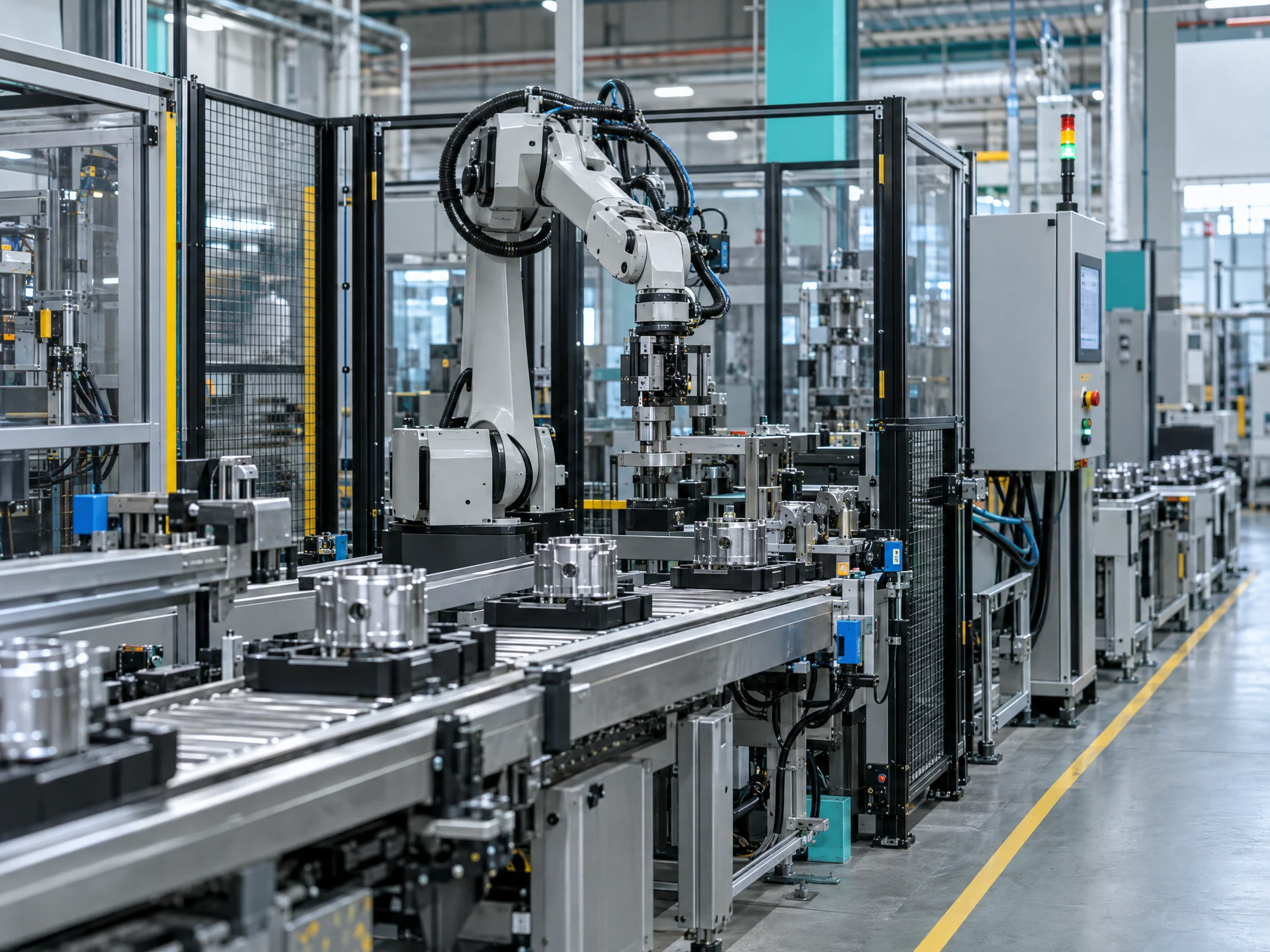
Select one bounded, low-risk automation candidate from discovery findings.
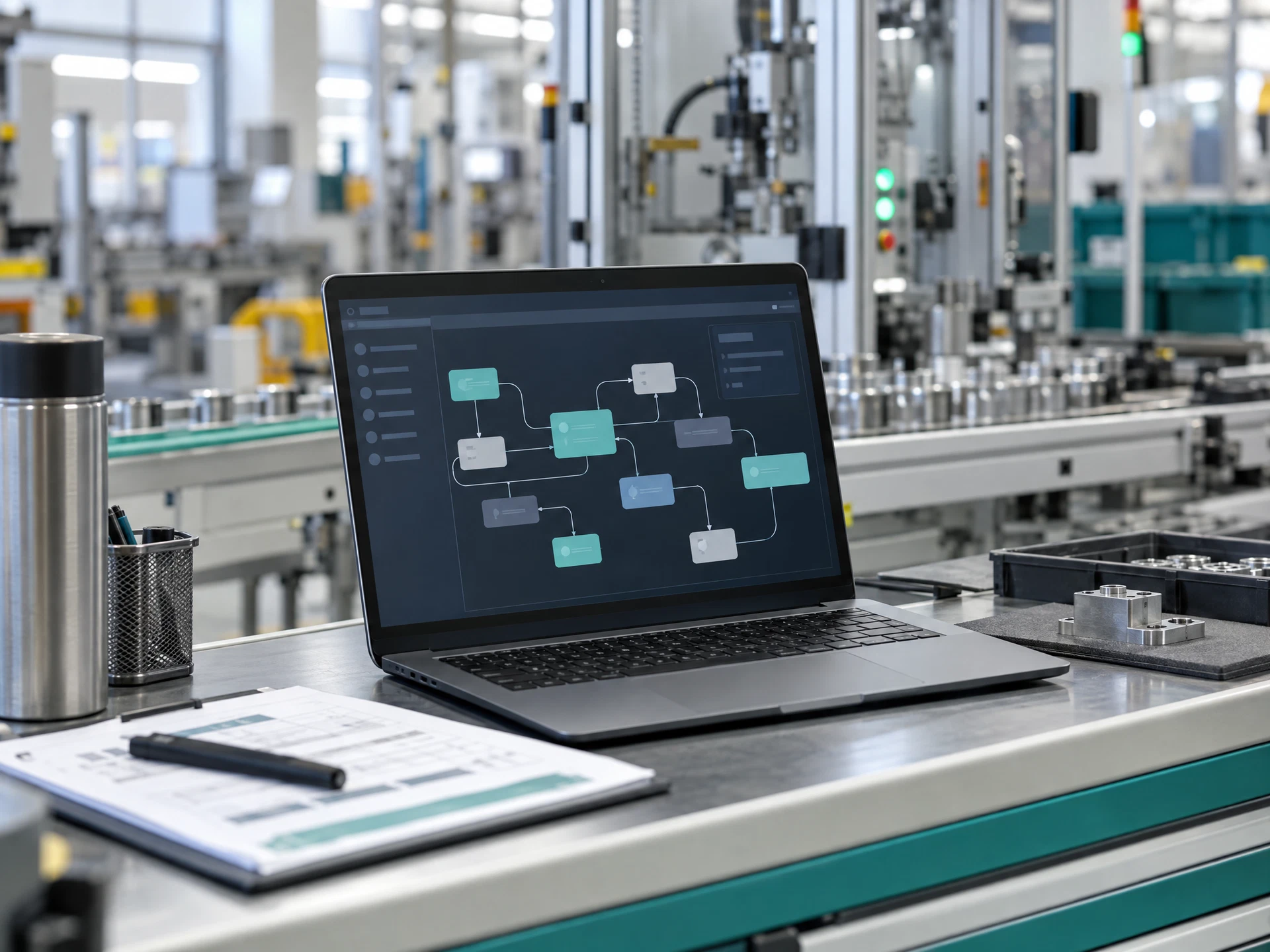
Define inputs, outputs, retention and boundaries for authorised decisions.
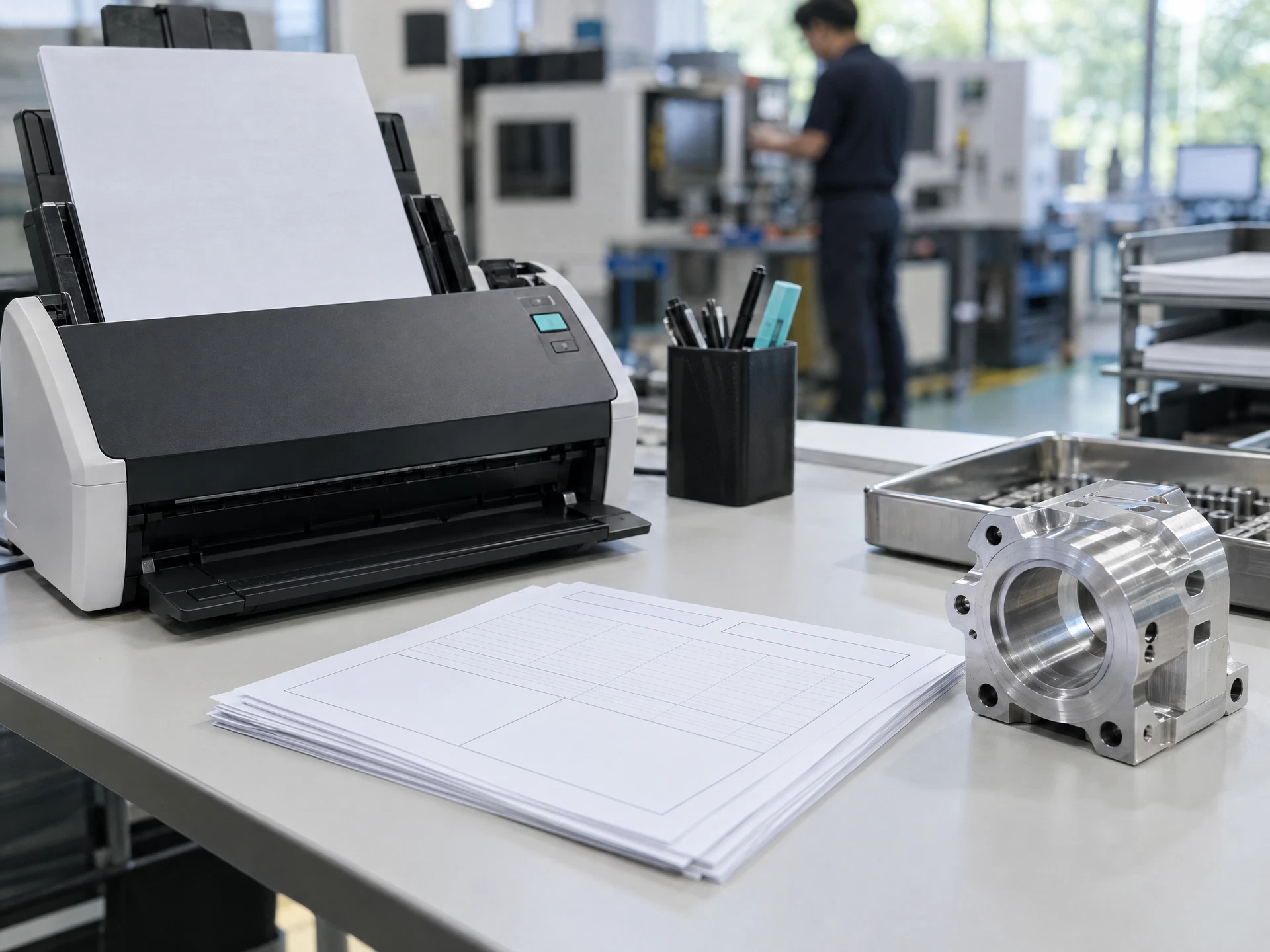
Design reviewable Power Automate logic with bounded optional AI.
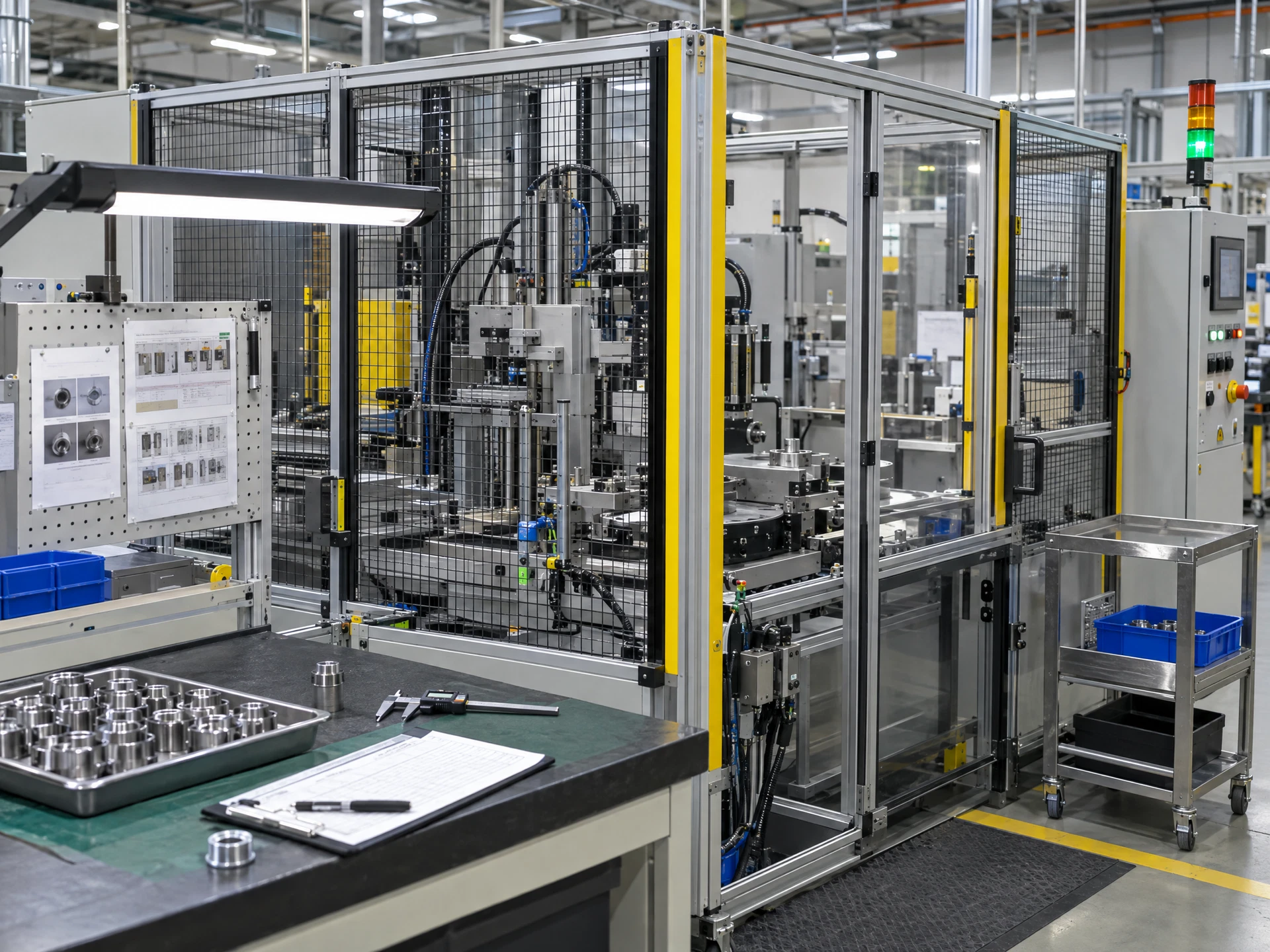
Verify logic, AI, evidence, permissions and exceptions across scenarios.
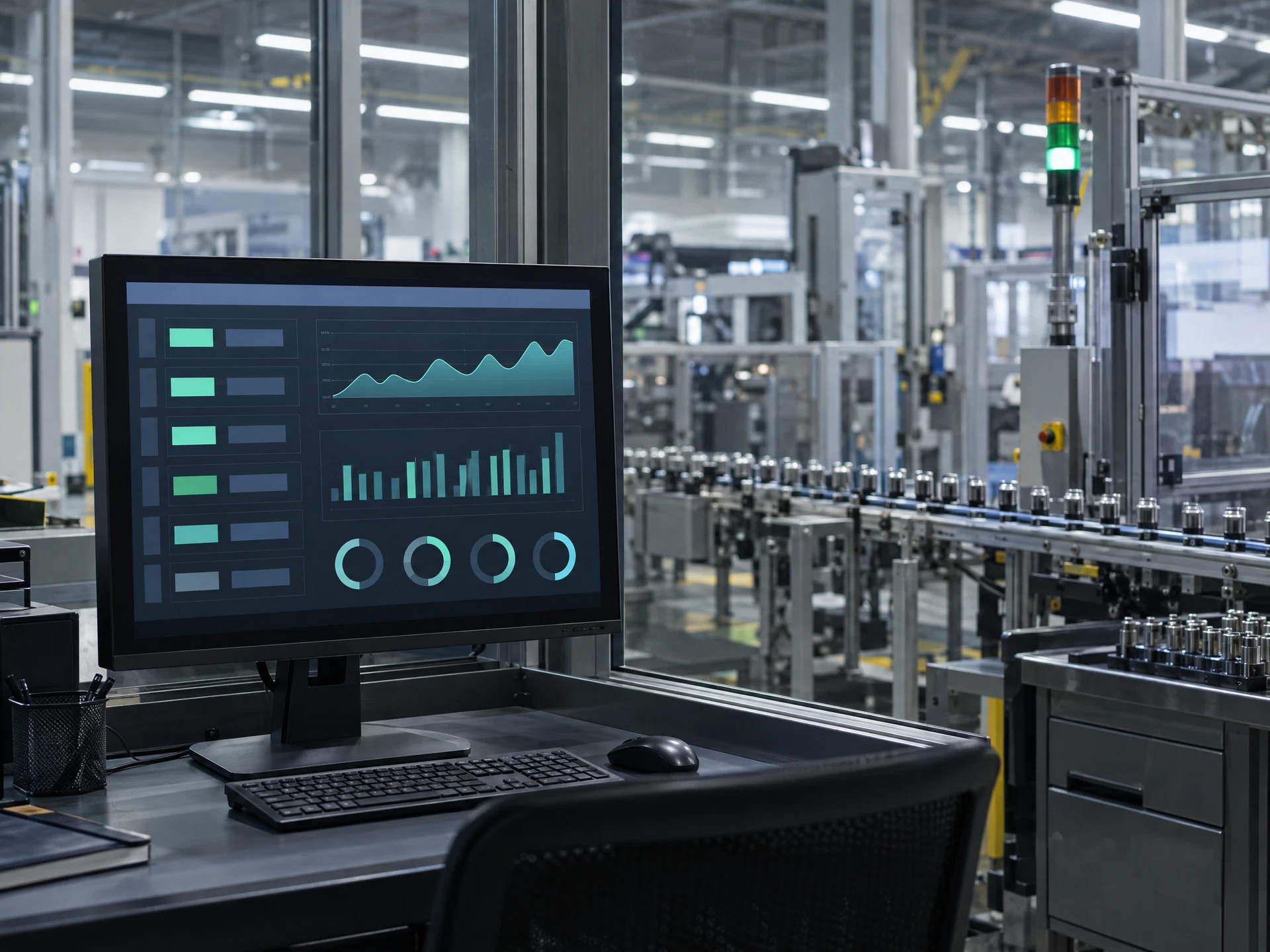
Run a limited, reviewable pilot within confirmed organisational requirements.
Use the materials with a competent workplace owner and the appropriate approvals.
The five-stage flow uses AI-created fictional scenes; the people, equipment, interfaces and facilities are not actual AIGreen Plus staff, learners, clients or factories. Course images are category-specific examples. Pending assets are labelled in progress; unavailable artwork is suppressed rather than replaced with unrelated imagery.
Share the course title, participant roles and learning priorities. AIGreen Plus will confirm syllabus, tools, availability, delivery language, format and quotation.
Do not send confidential production data, account details or personal information in an enquiry.
