


Map an automation-ready process
Break a recurring manufacturing or office workflow into inputs, decisions, actions, owners, approvals and exception paths before selecting automation steps.
Learn a proposed, practical approach to Make.com automation with AI for Malaysian manufacturing and business teams. The course connects process mapping, scenario design, safe data handling and human approval across operations, QA/QC, warehouse, procurement and office workflows using fictional or sanitised information.
Proposed course outline; tools, dates, format, duration and fees must be confirmed with AIGreen Plus.
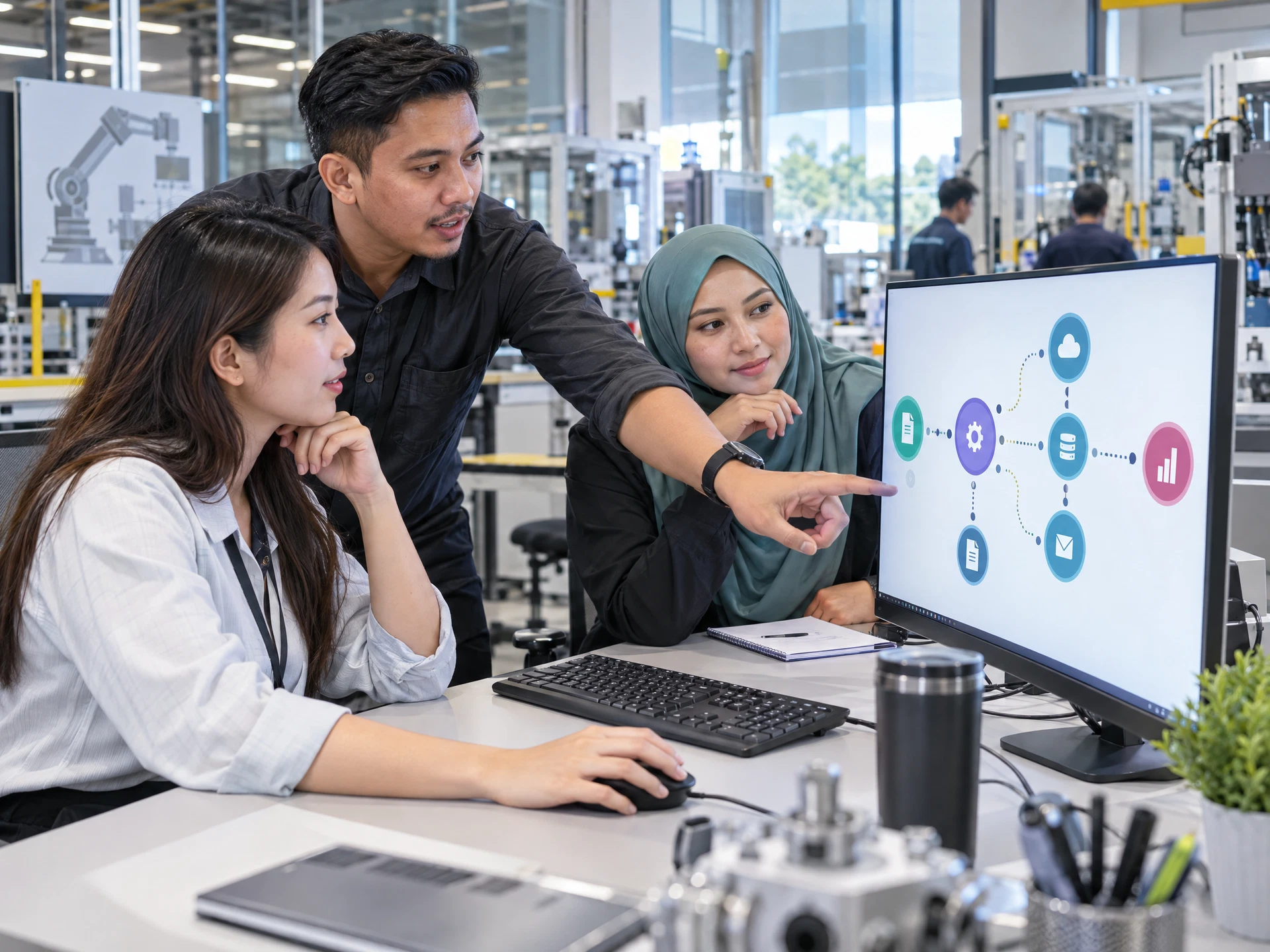
Make.com Automation with AI is a proposed course for Malaysian teams that want to plan and review AI-assisted workflow automations without handing business decisions to a tool. Participants map a process, design a Make.com scenario, structure data, add carefully bounded AI tasks, test exceptions and document human approval. Syllabus, tools, account access and availability should be confirmed with AIGreen Plus.
This is a proposed training outline, not a confirmed schedule or a promise of commercial results. Use fictional or approved examples and keep decisions with the responsible people.
Learning objectives describe practice, not guaranteed business results.
Break a recurring manufacturing or office workflow into inputs, decisions, actions, owners, approvals and exception paths before selecting automation steps.
Create a proposed scenario blueprint with structured data fields, sequence logic, handoffs and test cases while checking current account and vendor capabilities rather than assuming them.
Frame suitable AI tasks such as classification, drafting or summarisation with clear prompts, source limits and human review, without delegating QA, safety, compliance or commercial decisions.
Document data boundaries, permissions, error handling, approval points and evaluation questions for a small pilot, with final scope and operational ownership confirmed by the organisation.
Prompt → Check → Revise → Review
Use AI to support suitable tasks. Manufacturing, quality, safety and business decisions remain with the people responsible.
Course visuals are AI-created fictional scenes; people and facilities do not depict actual AIGreen Plus staff, learners or client events.
A team maps fictional line-stop notes into a proposed intake, categorisation and review queue. AI may help draft a neutral summary or classify a request, but the production supervisor verifies facts, sets priorities and approves any action.
Using sanitised mock observations, participants design a workflow that prepares questions and routes a draft to a QA/QC owner. The exercise supports documentation and analysis only; inspection, disposition, release and corrective-action decisions remain with authorised personnel.
A fictional stock discrepancy or supplier-update message is structured into fields, checked for missing evidence and sent to a human review queue. The team tests duplicate and incomplete cases before considering any proposed notification or record update.
Examples are fictional or sanitised proposals, not AIGreen Plus client case studies or verified results.
The rows below describe AIGreen Plus's proposed approach for this course, not an independent competitor comparison or a claim that other providers do not offer similar training. Confirm syllabus, tools, delivery scope and availability with AIGreen Plus.
| Potential point of difference | AIGreen Plus's approach | Why it may matter to a factory |
|---|---|---|
| Workflow-first learning | Participants start with process maps, owners and exception paths before discussing Make.com scenario steps or AI tasks. | Teams can assess whether a real operations, QA/QC, warehouse or office process is suitable for a controlled pilot. |
| Manufacturing and business-team context | Proposed exercises use fictional or sanitised examples such as production requests, inspection follow-up, stock discrepancies and procurement messages. | Learners can connect automation concepts to Malaysian SME roles without exposing live factory or customer information. |
| Human approval built into the design | Scenario blueprints include reviewers, stopping conditions, exception routes and traceable evidence instead of unattended decisions. | Quality, safety, compliance, commercial and operational judgement stays with authorised people. |
| Tool and access confirmation | The proposed syllabus treats Make.com plan features, connectors, AI-service access, permissions and account arrangements as items to verify. | An organisation can scope a realistic next step without assuming current vendor functionality or approval. |
On small screens, scroll horizontally inside the table to compare all three columns.
Eight proposed modules are shown in a structured table for easy review. Confirm the final syllabus, depth, tools, duration and delivery format with AIGreen Plus.
On small screens, scroll horizontally inside the course outline table to see every column.
| Module | Focus | Key points | Practice exercise |
|---|---|---|---|
| 01Automation foundations for Malaysian teams | Understand what workflow automation and AI assistance can support, and set responsible boundaries before building a scenario. |
| Use a fictional production-delay request to mark the trigger, required information, human decisions and safe stopping points before proposing any automation. |
| 02Process mapping and opportunity selection | Turn an everyday process into a precise workflow brief that can be assessed for value, risk and feasibility. |
| Map a sanitised warehouse discrepancy or procurement-request process, then rank its steps by repeatability, data sensitivity and review need. |
| 03Make.com scenario architecture | Plan the sequence of proposed modules, records and actions in a Make.com scenario without assuming current plan features or connector access. |
| Create a paper or sandbox blueprint for turning a fictional internal request into a review queue, labelling each proposed step as source, transformation, decision or notification. |
| 04Data mapping and workflow controls | Make information movement visible and controlled so a scenario can be reviewed before it is considered for use. |
| Build a field-mapping table from fictional QA/QC observations to a follow-up queue, flagging missing evidence and fields that require authorised review. |
| 05AI steps for practical business tasks | Add narrowly scoped AI assistance to suitable workflow steps while keeping source limits, prompts and decisions explicit. |
| Give a proposed AI step a fictional supplier message and ask for a category, evidence quote, missing information and reviewer action; compare the result with the source. |
| 06Approvals, exceptions and safe stopping | Design human checkpoints and exception routes for workflows that touch quality, procurement, warehouse or office coordination. |
| Review a fictional low-stock alert scenario, add approval and exception branches, and write the exact conditions that stop the workflow for a person to decide. |
| 07Testing, monitoring and iteration | Check a proposed scenario with representative cases and document whether each output is accurate, complete, traceable and appropriately reviewed. |
| Run a tabletop test of a fictional maintenance-request workflow, record each pass or failure, and revise one control without claiming production readiness. |
| 08Pilot governance and implementation brief | Translate the learning into a small, reviewable automation proposal with clear boundaries and confirmation steps. |
| Draft a one-page pilot brief for a fictional production or procurement workflow, including owner, safeguards, test plan, approval gate and questions awaiting confirmation. |
The proposed course covers process mapping, Make.com scenario planning, data fields, bounded AI tasks, approvals, exception handling, testing and pilot governance for manufacturing and office workflows. Confirm the final syllabus and tools with AIGreen Plus.
It is intended for Malaysian operations, production-planning, QA/QC, warehouse, procurement, administrative and management teams exploring responsible workflow automation. Basic familiarity with a workplace process is useful; advanced coding is not assumed.
No advanced coding is assumed. Participants focus on mapping processes, structuring data, planning scenario logic and reviewing proposed steps; any account, configuration and technical requirements should be confirmed before delivery.
No particular plan or account access is promised. Current Make.com features, modules, limits, permissions and organisational approval can change, so verify the required vendor access with AIGreen Plus and the organisation before using a live workspace.
The proposed exercises use AI only for bounded assistance such as classifying supplied text, drafting a summary or identifying missing information. Outputs are checked against source records, and human owners approve decisions or actions.
No. AI and automation are presented as documentation and analysis support only. Inspection, acceptance, disposition, product release, safety and compliance decisions remain with authorised personnel and current official or organisational requirements.
Use fictional or sanitised records such as mock production notes, warehouse discrepancies or supplier messages. Do not upload confidential, personal, customer or proprietary data unless the organisation has explicitly approved that use and the relevant controls are in place.
No. It provides a proposed learning and pilot-planning framework, not a guarantee of savings, production readiness or business results. Teams test a scoped idea, document assumptions and decide next steps with the process owner.
Not in this catalogue draft. Syllabus scope, Make.com or AI-service access, delivery arrangements, duration, fees and availability should be confirmed directly with AIGreen Plus before planning or purchase.
Share the participant roles, target workflow and learning priorities with AIGreen Plus, without sending confidential factory data. Ask AIGreen Plus to confirm the proposed modules, approved tools, account requirements, delivery scope and quotation.
How can a Malaysian manufacturing or business team use the Make.com Automation with AI course to design a bounded workflow for production, QA/QC, warehouse or procurement work?
Use the course to map one recurring workflow, define fields, permissions, approval points and stop conditions, then sketch a Make.com scenario and narrowly scoped AI step using fictional or sanitised data. Test normal, duplicate and incomplete cases with an authorised reviewer, run a small pilot, measure agreed indicators and decide whether to continue, revise or stop.
A practical course proposal. Select approved tools and sample data under your organisation's policy; keep operational, safety, quality and other authorised decisions with the responsible people.
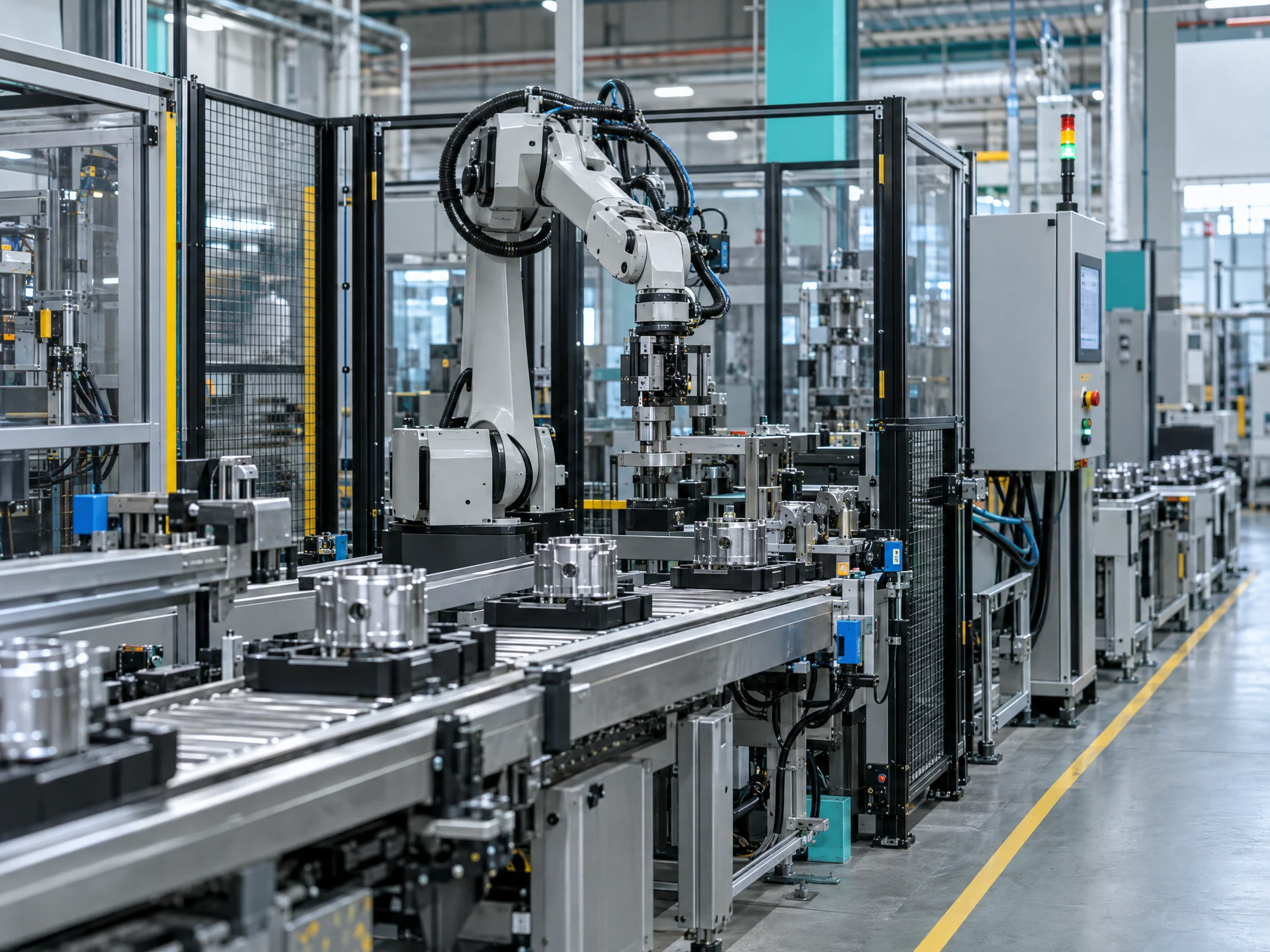
Select one bounded, recurring workflow for automation assessment.

Bound AI classification, drafting and summarisation before configuration.
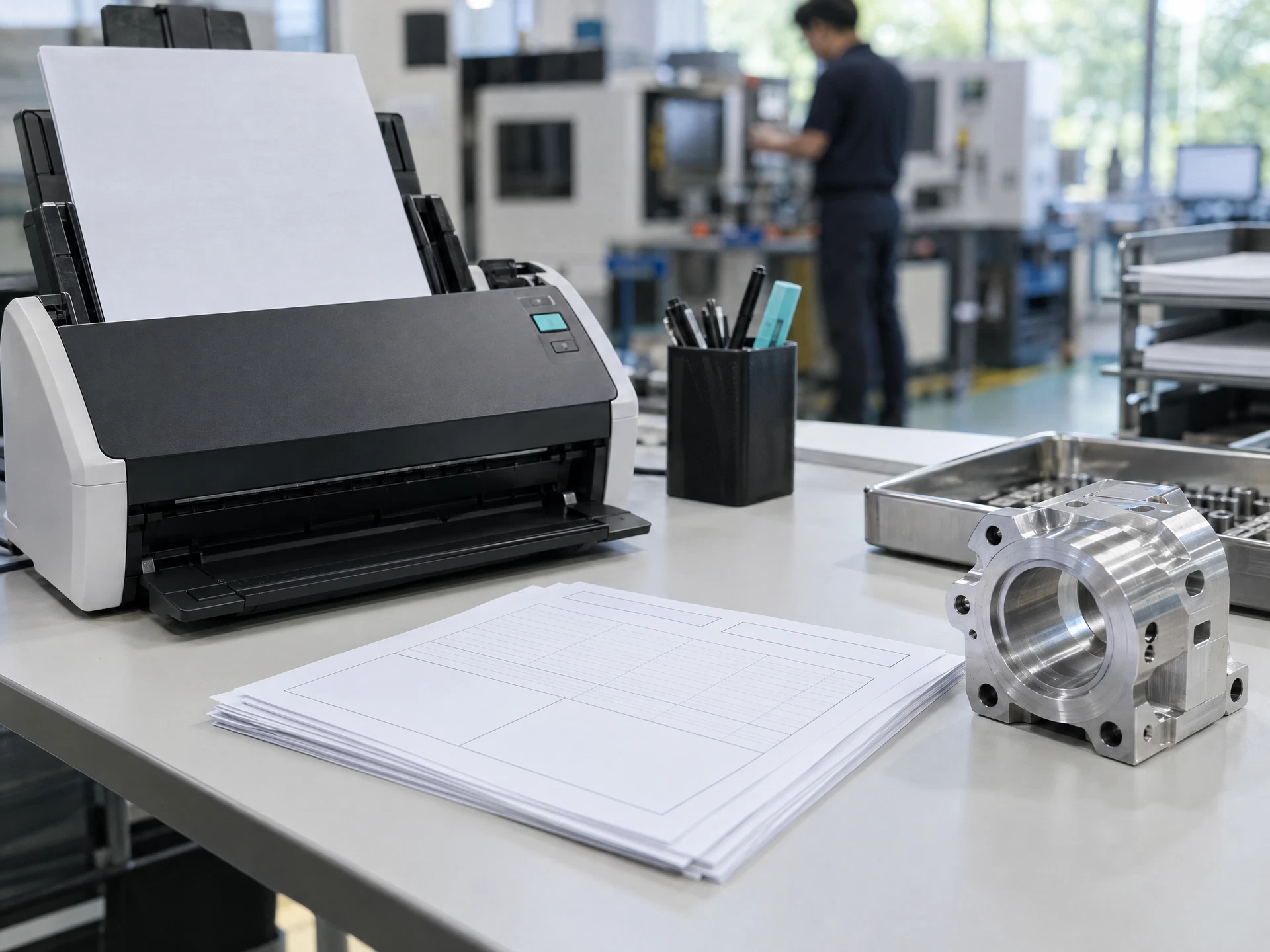
Design a reviewable Make.com scenario with bounded AI prompts.
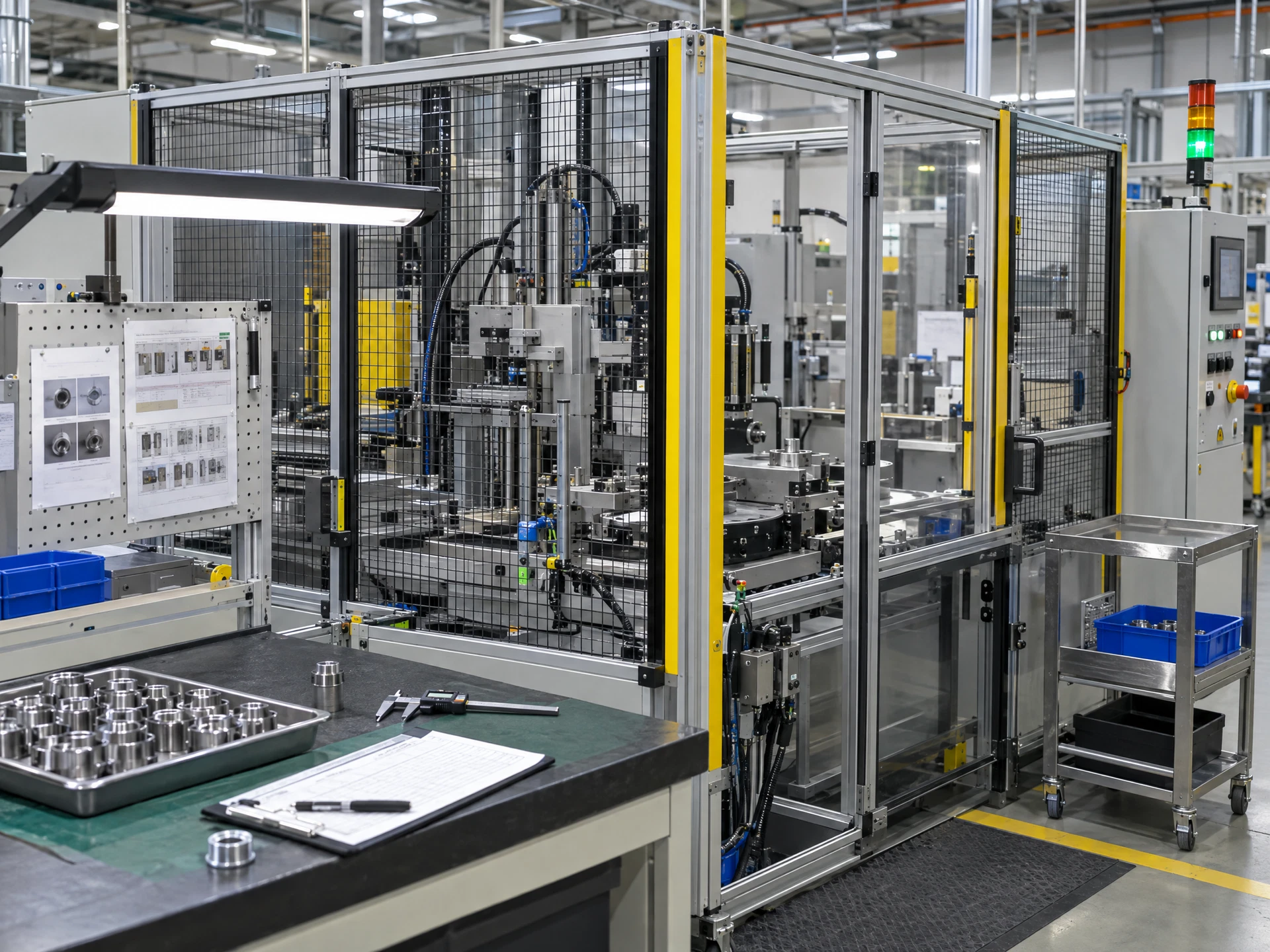
Test normal and exception cases with authorised human reviewers.

Pilot under controls, then decide whether to proceed.
Use the materials with a competent workplace owner and the appropriate approvals.
The five-stage flow uses AI-created fictional scenes; the people, equipment, interfaces and facilities are not actual AIGreen Plus staff, learners, clients or factories. Course images are category-specific examples. Pending assets are labelled in progress; unavailable artwork is suppressed rather than replaced with unrelated imagery.
Share the course title, participant roles and learning priorities. AIGreen Plus will confirm syllabus, tools, availability, delivery language, format and quotation.
Do not send confidential production data, account details or personal information in an enquiry.
